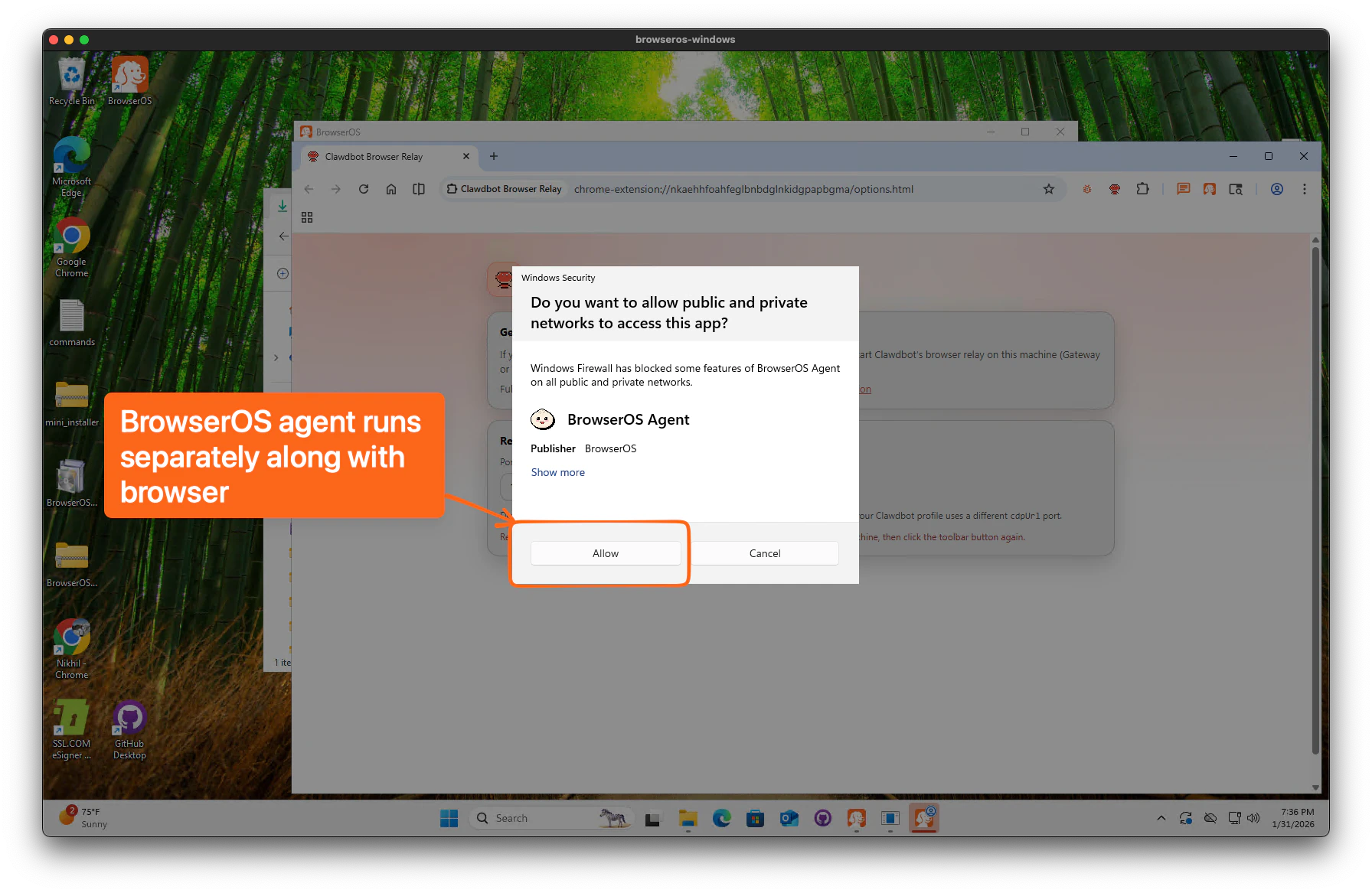
Check for updates
Click the BrowserOS Feedback extension (bug icon) in the toolbar, then click Check for Updates.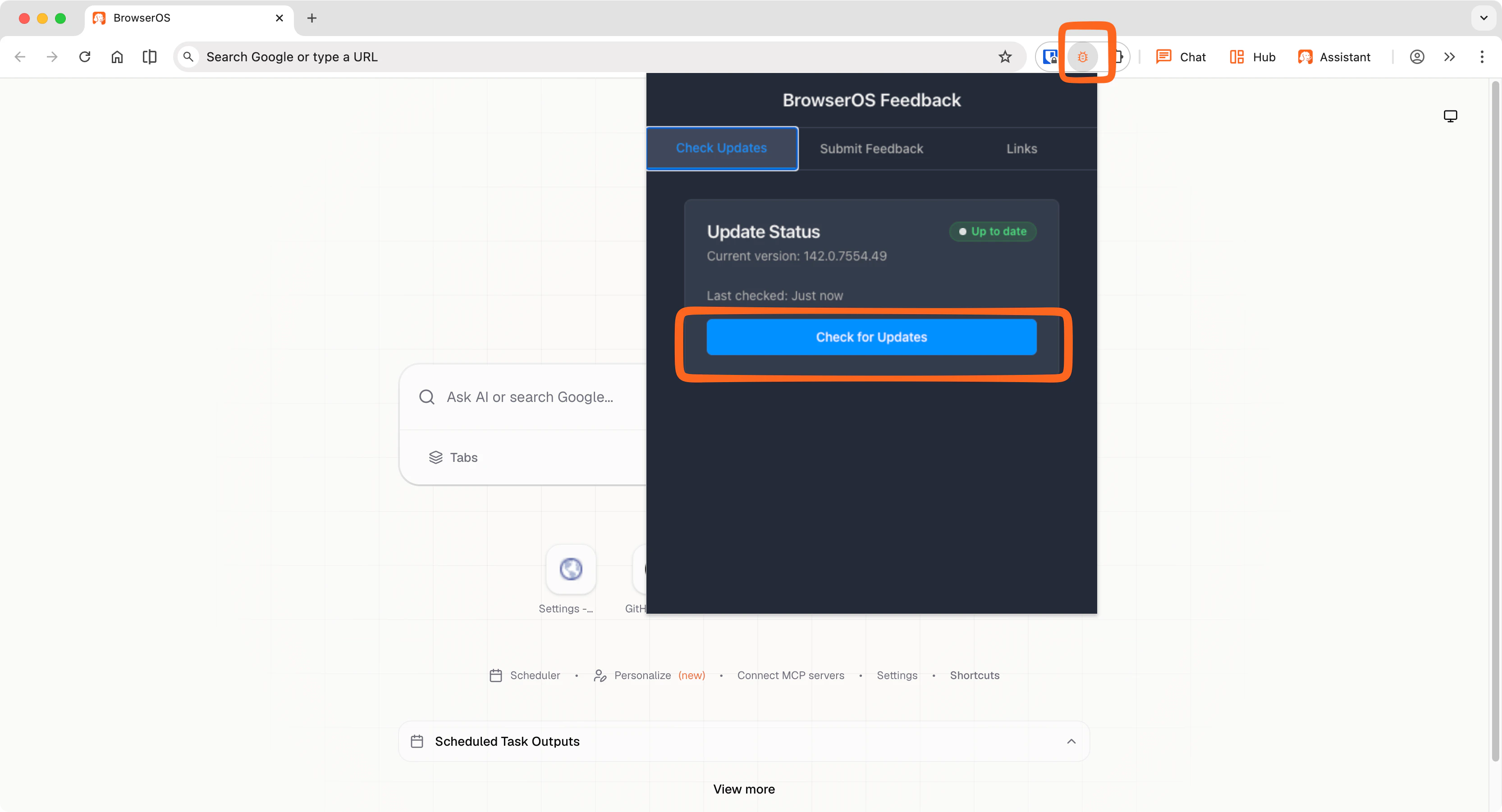
Download the latest version
Download the Windows installer from GitHub Releases.
Run the installer
Double-click the downloaded installer to start the update. You’ll see a temporary folder appear — this is normal and expected on Windows.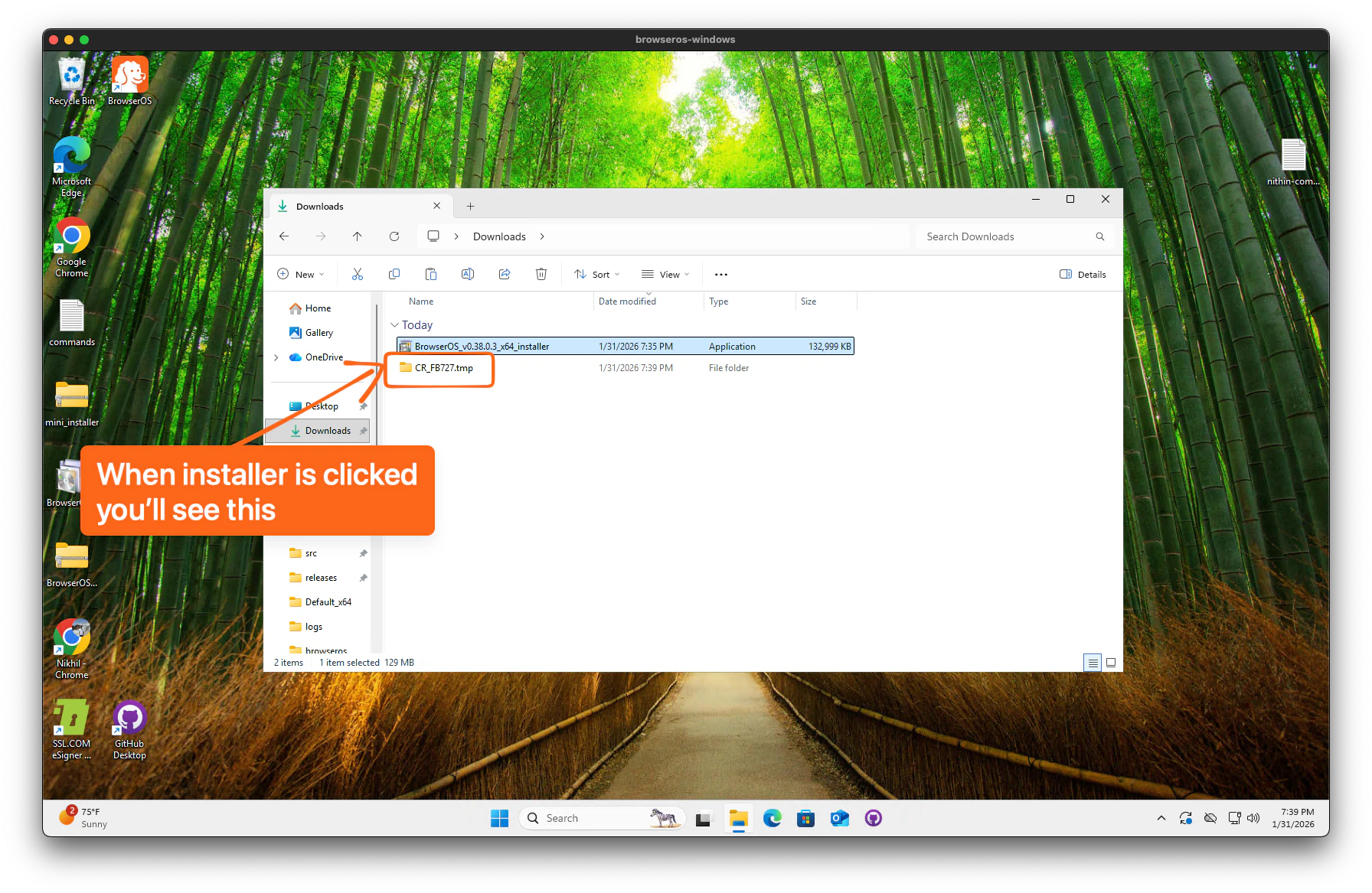
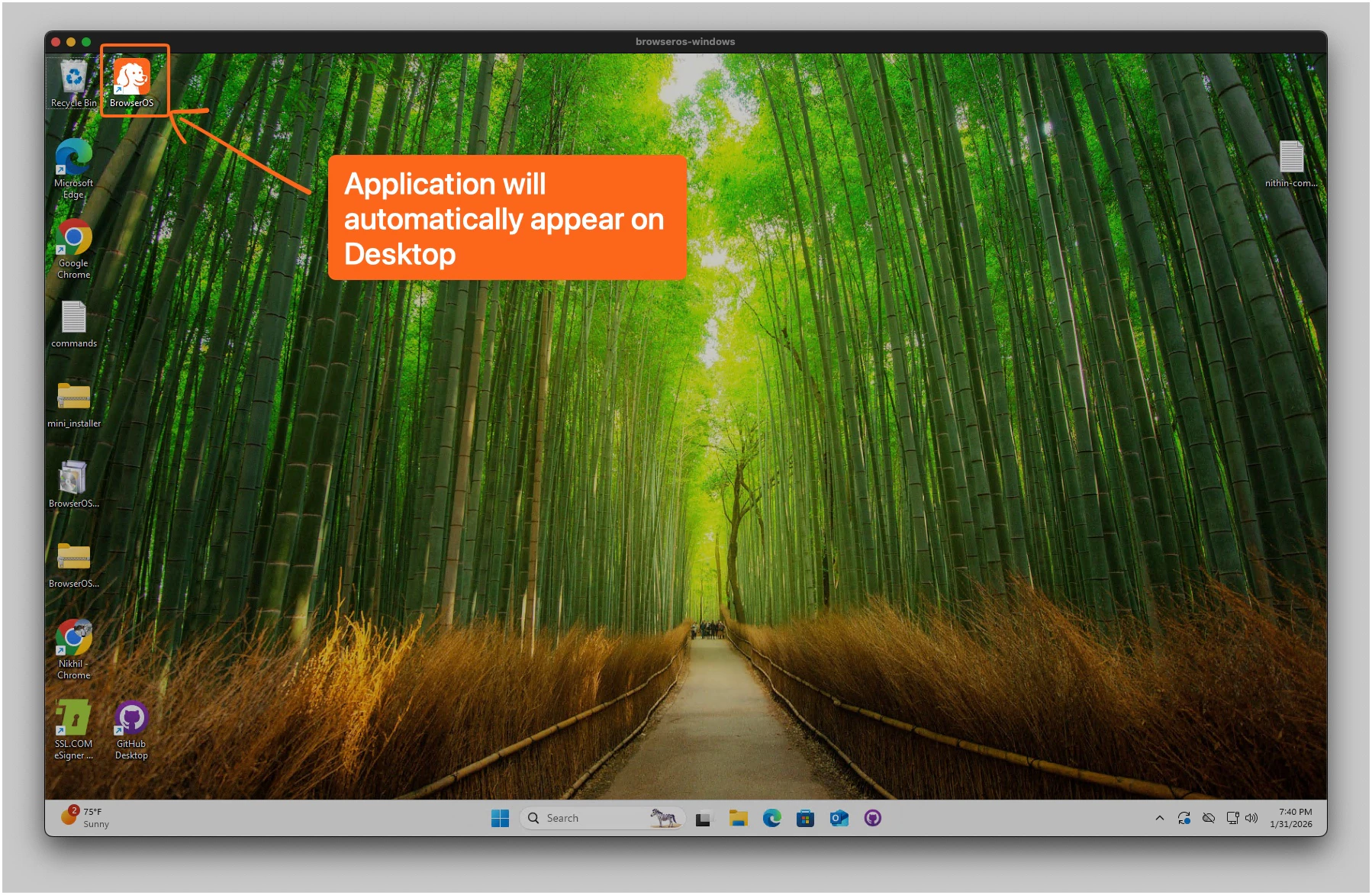
If BrowserOS was already running, close it completely and reopen it for the update to take effect.